At a glance
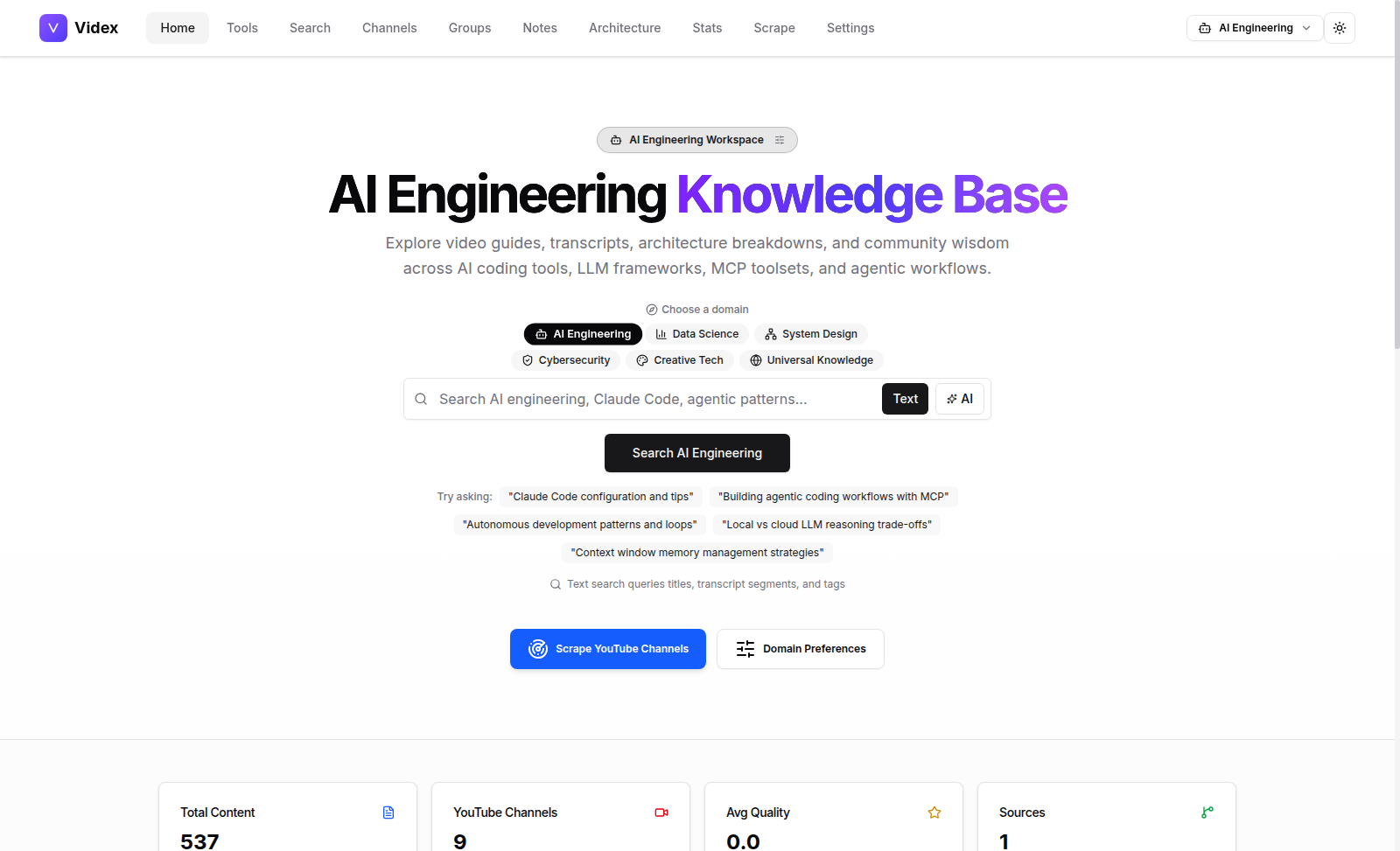
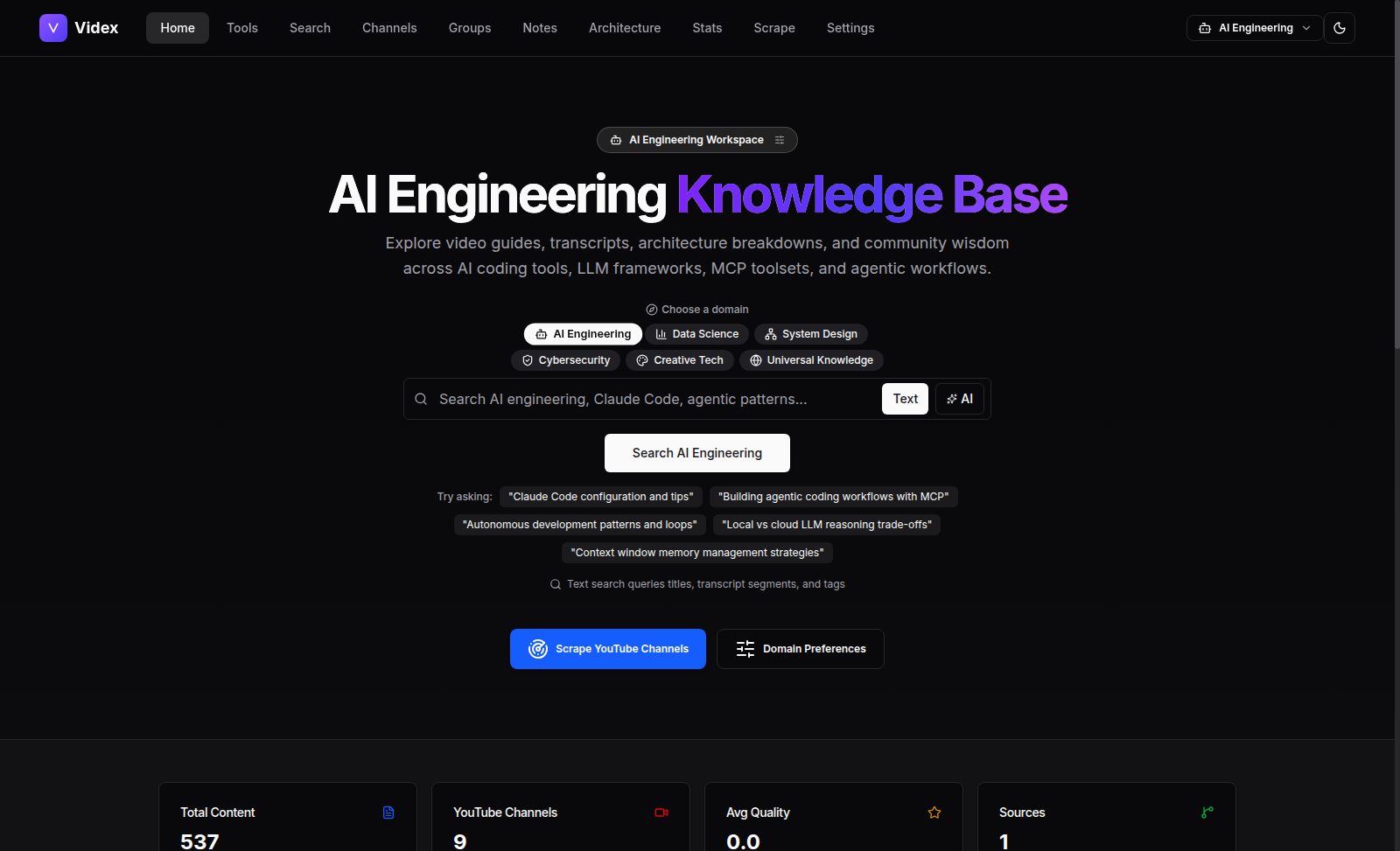
Videx brings indexed YouTube channels, available transcripts, search and timestamped notes into one local research workspace. Choose a domain to tune the topics and suggestions you see.
From a question to the original moment
The useful line in a long technical talk is easy to lose. Videx is built around a short research loop: index a YouTube channel, find a passage in its available transcript, and return to the video at the right time. The timestamp matters as much as the summary: it lets you check the speaker's words and context for yourself.
The problem
Video knowledge sits in long timelines and across channels that use different vocabulary. A title or thumbnail rarely tells you where an idea appears. Videx keeps available captions as segments: search can find a matching video, then its timestamped transcript can help locate the passage.
How it works
- Collect — index a YouTube channel and the captions Videx can retrieve. Missing captions and unavailable sources remain gaps in the library, not invented transcript text.
- Find — search the indexed material by phrase. Semantic search and AI suggestions depend on configured model access and completed enrichment.
- Verify — open a video, read its timestamped transcript, and save a passage as a note. Chat can answer from transcript context with clickable times, but its citations still need human review.
- Shape the workspace — choose a knowledge domain to tune suggested queries, focus topics and discovery. This changes the research lens; it does not rewrite the underlying source material.
Access and setup
Videx is in a private repository, not a public self-service service. Its local development addresses do not provide application access to visitors. Authorized installation prerequisites and unresolved setup gaps are listed above; no waitlist or automatic access grant is implied.